
 Svenska
 English
 Norsk
Norsk
 Suomi
Suomi
 Dansk
Dansk

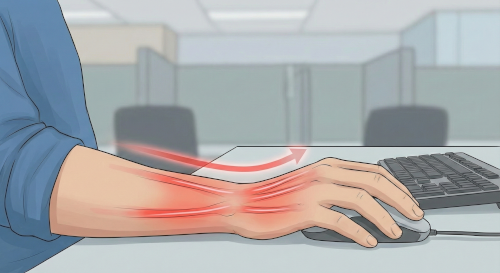
Wrist pain
"Mouse arm"
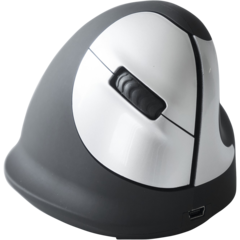
Rotating the forearm to use a flat mouse creates tension.
The solution: A vertical mouse or a Mousetrapper that centers your work.
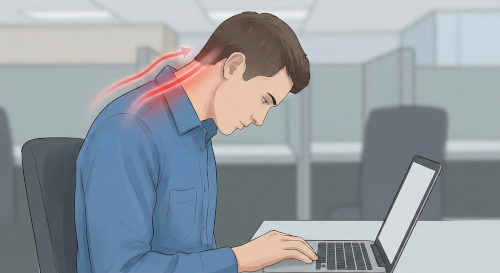
Tired neck
"Text neck"
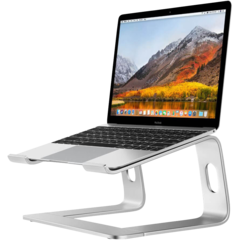
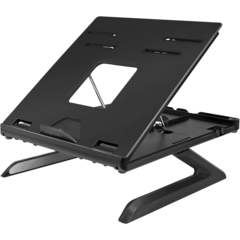
Looking down at your laptop? This can put up to 20 kg of strain on your neck.
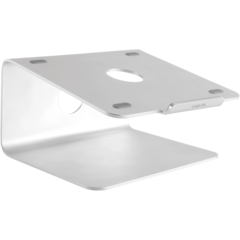
The solution: A laptop stand and a separate keyboard to raise your line of sight.
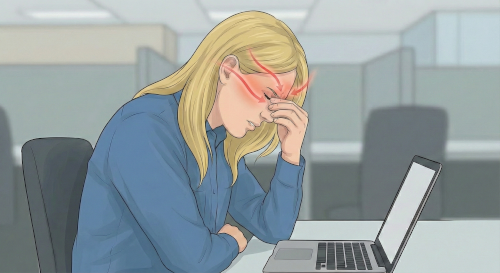
Headaches & Stress
Eye strain
Poor lighting and screen glare quickly tire your eyes.
The solution: A flicker-free screen and desk lighting with the right contrast.
Learn about ergonomics.
Vary more – the key to energy
The body is made for movement. The very best working position is usually the next one. Sitting still all day increases the risk of cardiovascular disease, while variation boosts blood circulation.
SIT RIGHT: How to adjust your chair
Once seated, make sure the chair works for you. The goal is a neutral position.
- Base position: Sit far back so the backrest supports your lower back.
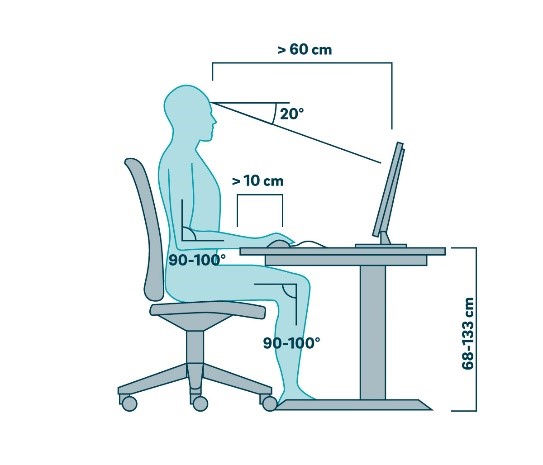
- The 90-degree rule: Aim for a 90° angle at the knees, hips, and elbows.
- Feet on the floor: Can’t reach? Use a footrest.
- Relaxed shoulders: The desk should be level with your elbows.
- Avoid crossing your legs: It restricts blood circulation.
STAND RIGHT: Reduce strain on the body
Standing doubles energy expenditure and improves posture. But don’t stand the wrong way!
- Close to the desk: Stand close so you don’t have to lean forward.
- Arm angle: Even when standing, elbows should be at about 90°.
- Weight distribution: Stand on both feet—don’t hang on one hip.
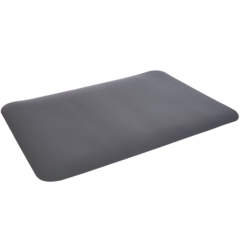
- The right surface: Wear cushioned shoes and use an anti-fatigue mat to increase blood flow.
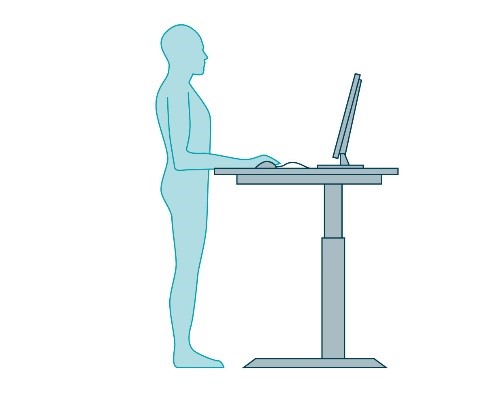
COMPUTER WORK: The equipment that makes a difference
-
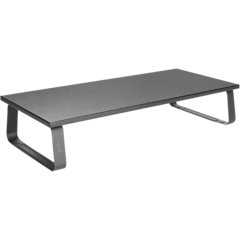
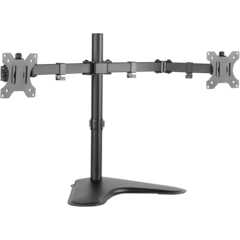
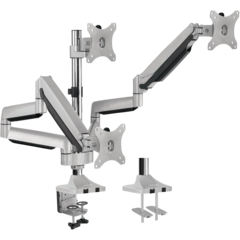
Screen placement: About 50–70 cm from your face. The top edge should be at eye level.
-
Mouse & keyboard: Keep your arms close to your body (“T-rex arms”).
-
Lighting: Avoid glare and use good general lighting.



Author: Tingstad
Last Updated: 2026-01-13


